FedEx Printing — A Complete Guide to Services, Costs, and Getting the Best Results
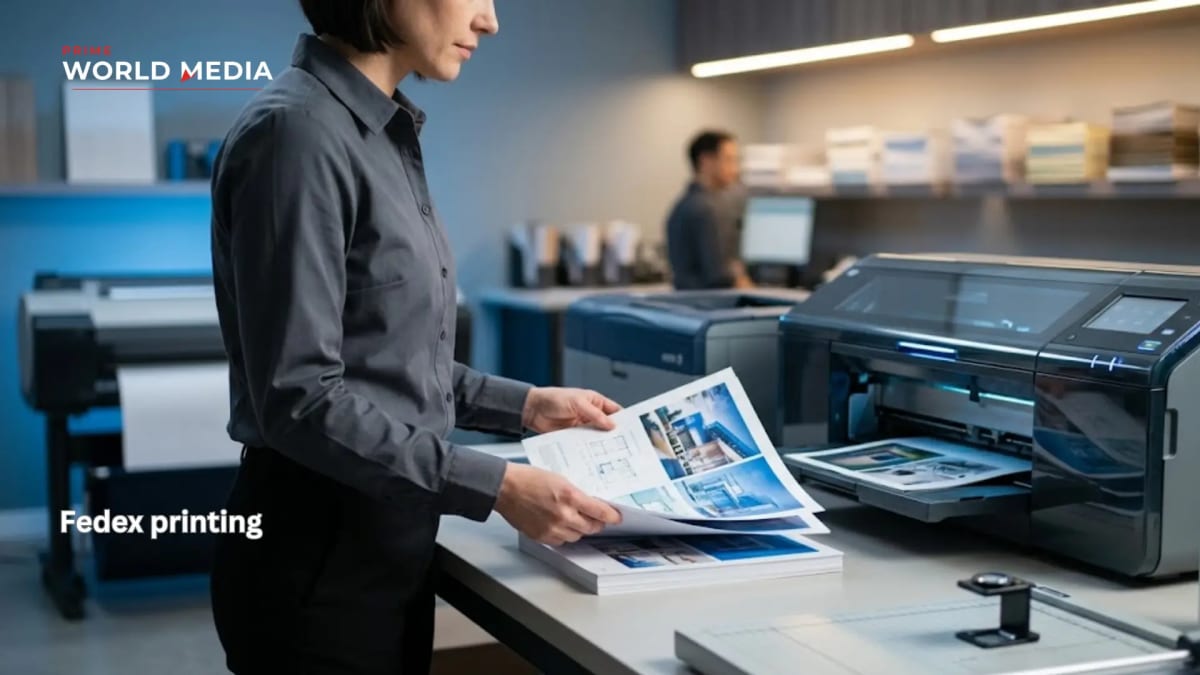
If you have ever needed professional-quality printing on short notice — a presentation for a morning meeting, banners for an event happening this weekend, business cards before a conference next week — FedEx printing is likely already on your radar. FedEx Office operates one of the largest retail print networks in the United States, combining walk-in convenience with online ordering, same-day turnaround on many products, and a range of services that covers everything from single-page document printing to large-format signage.
What is less clear to most people is exactly what is available, what it costs, how the online ordering process works, and how to get consistently good results rather than outputs that disappoint. This guide covers all of it.
What FedEx Printing Actually Offers
FedEx Office printing services divide into several distinct categories that serve different needs and operate on different timelines and pricing structures.
Document Printing and Copying
The most commonly used service — black and white or colour document printing, single or double sided, on standard paper stock. This covers everything from single-page printouts to multi-page reports, manuals, and booklets. Self-service printing stations are available in most FedEx Office locations for straightforward jobs, while associate-assisted printing handles more complex requirements.
Document printing is available as walk-in service or through online ordering with store pickup or shipping. For basic documents, self-service is faster and cheaper — you upload or bring your file, use the in-store kiosk, and pay per page. Associate-assisted service makes sense for jobs requiring specific paper stocks, binding, or finishing options that the self-service stations do not support.
Business Cards and Marketing Materials
FedEx Office produces business cards, flyers, brochures, postcards, and related marketing materials through its online design and print platform. These are not same-day products in most cases — standard turnaround for business cards and marketing materials runs several business days, with expedited options available at higher cost.
The online platform includes design templates for common formats, making it usable without existing design files. For better results, uploading print-ready files in the correct format and resolution produces significantly more consistent output than designing through the template system.
Banners and Large Format Printing
Large format printing covers banners, posters, foam board mounting, canvas prints, and similar oversized output. This is one of the most useful FedEx printing services for event organisers, small businesses, and anyone needing display materials that standard office printers cannot produce.
Large format products are typically available with next-day or same-day turnaround at many locations, making FedEx Office genuinely useful for event printing emergencies that other services cannot accommodate on the required timeline.
Presentations and Bound Documents
FedEx Office produces presentation folders, spiral-bound documents, saddle-stitched booklets, and coil-bound reports. These services are heavily used by business customers needing professional-looking presentation materials — pitch decks printed and bound, training manuals produced in quantity, annual reports assembled for distribution.
Turnaround on bound documents varies by complexity and quantity. Simple spiral binding on a document you bring in can often be completed while you wait. Multi-copy bound document production on a tight timeline benefits from online ordering with clear specifications submitted in advance.
Passport Photos
FedEx Office locations offer passport photo services — a straightforward, standardised product that many locations can produce quickly. Pricing is consistent across locations and the service requires no advance ordering.
How FedEx Online Printing Works
The online ordering system at fedex.com/office is where most non-urgent FedEx printing orders originate and where the most confusion about the process tends to accumulate.
Uploading files
The system accepts PDF, JPG, PNG, and several other common file formats. PDF is the strongly preferred format for anything requiring precise layout — documents, marketing materials, presentations. JPG and PNG work for photo prints and simple image-based jobs. Files should be uploaded at the resolution required for the output size — a file that looks sharp on screen at 72 DPI will print poorly at large format sizes that require 300 DPI or higher.
Specifying options
After uploading, the system walks through paper stock selection, colour versus black and white, single versus double sided, quantity, and finishing options. The range of options available online is narrower than what is available through in-store associate assistance — more complex jobs with specific requirements are better handled by calling the store or visiting in person to confirm what is achievable.
Choosing delivery or pickup
Online orders can be shipped to an address or picked up at a selected FedEx Office location. Store pickup is the faster and cheaper option for most users — many straightforward print jobs are ready within a few hours of ordering, and same-day pickup is available for a range of products if the order is placed before the store's daily cutoff time for same-day production.
Paying and tracking
Payment is collected at checkout for shipping orders and at pickup for store collection. The online system sends status updates as the order moves through production, and the store pickup notification arrives when the order is ready.
FedEx Printing Costs — What to Expect
FedEx Office pricing is not the cheapest printing option available — it is priced for convenience, speed, and professional quality rather than volume economics. Understanding the pricing structure prevents sticker shock and helps identify where FedEx printing makes sense versus where lower-cost alternatives are more appropriate.
Document printing — Black and white self-service printing runs at a low per-page cost that makes it competitive for small quantities. Colour printing is significantly more expensive per page, which matters for colour-heavy documents in larger quantities. Associate-assisted printing adds a service premium over self-service rates.
Business cards — Standard business cards through FedEx Office are priced at the higher end of the market compared to online-only print services. The premium reflects turnaround speed and the ability to review and reorder at a physical location rather than managing an entirely online process.
Large format — Banner and poster pricing varies significantly by size, material, and finish. Per-square-foot pricing makes large format costs scale quickly with size — a rough budget estimate before ordering prevents surprises when the quote comes through.
Binding and finishing — Binding services are priced per unit for spiral, coil, and saddle-stitch options, with the cost adding meaningfully to document printing costs for larger quantities. For single copies or small quantities, in-store binding is convenient. For larger quantities, the per-unit cost adds up and online alternatives may be worth comparing.
Getting the Best Results from FedEx Printing
The difference between FedEx printing that looks professional and FedEx printing that disappoints almost always traces back to file preparation rather than the printing service itself.
Use PDF for document and layout work
PDF preserves fonts, layout, and colour information in ways that other formats do not. A Word document uploaded directly often loses formatting when processed by the print system. Converting to PDF before uploading takes thirty seconds and prevents the majority of layout disappointments.
Set the correct resolution for the output size
Images in documents destined for large format printing need to be at sufficient resolution for the intended print size. The rule of thumb is 300 DPI at the final print size for sharp output. An image that is 300 DPI at 4 by 6 inches becomes 75 DPI at 16 by 24 inches — which prints soft and pixelated. Check resolution at the actual output dimensions before uploading.
Use the correct colour mode
Documents intended for print should use CMYK colour mode rather than RGB. RGB is the colour space for screens — it can produce colours that printers cannot accurately reproduce, leading to output that looks different from the screen preview. Converting to CMYK before uploading produces more predictable colour results.
Request a proof for important jobs
For high-stakes printing — event materials, client-facing documents, anything where a significant quantity is involved — requesting a proof before full production runs adds time but prevents the cost of reprinting an entire job because of a problem that would have been caught at the proof stage.
Communicate specific requirements clearly
If your job has requirements that are not fully captured by the online ordering system — specific paper weight, particular finishing, exact colour matching — call or visit the store rather than ordering online and hoping the system captures what you need. The staff at FedEx Office locations are generally knowledgeable about production requirements and can advise on whether what you need is achievable and how to specify it correctly.
When FedEx Printing Makes Sense — And When It Does Not
FedEx Office printing makes most sense in specific situations where its particular combination of speed, convenience, and capability is genuinely valuable.
When it makes sense — Same-day or next-day turnaround requirements that online-only services cannot meet. Large format printing where physical pickup is more practical than shipping oversized materials. Small quantities where the economics of minimum order requirements at cheaper services do not work. Situations where the ability to review output in person before accepting it matters.
When alternatives are worth considering — High-volume document printing where per-page costs accumulate significantly. Standard business card and marketing material orders with no time pressure, where online-only services like Moo, Vistaprint, or Canva Print offer lower pricing for equivalent quality. Photo printing where specialist photo labs produce better colour accuracy than general print services.
The Verdict — FedEx Printing as a Practical Tool
FedEx printing is not the right answer for every print job. It is the right answer for a specific set of situations where speed, convenience, large format capability, or physical pickup genuinely matter — and in those situations, it delivers reliably.
The network coverage, same-day turnaround on many products, and range of services from single-page document printing to large-format banners make FedEx Office a genuinely useful resource rather than a last resort. Understanding what it offers, what it costs, and how to prepare files correctly transforms it from a frustrating experience into a dependable one.
Professional printing results come from professional file preparation. Get that right and FedEx Office delivers what it promises — convenient, quality printing when you need it, without the lead times that make online-only services impractical for time-sensitive work.